Protect Your Business Data Before Something Goes Wrong
Business data can be lost through hardware failure, accidental deletion, cyber attacks, ransomware or human error. We provide secure cloud backup and recovery solutions designed to protect the information your business depends on and help you recover when the unexpected happens.
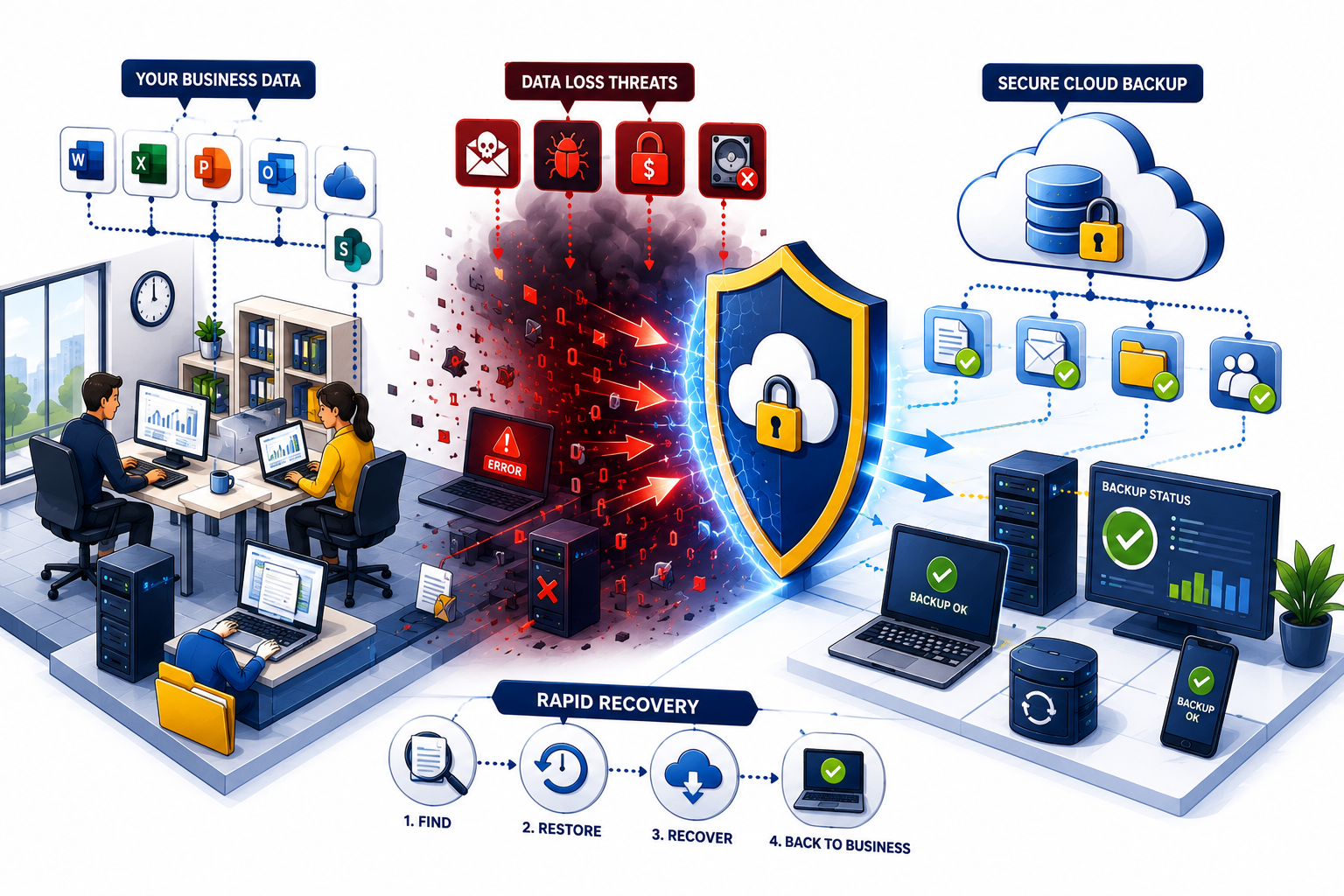
What Would Happen If Your Business Lost Its Data?
Documents, emails, customer information, financial records and other business data can be critical to everyday operations. Losing access to that information can cause significant disruption.
Data loss does not always result from a major disaster. A user may accidentally delete an important folder, a computer may fail, an account could be compromised or ransomware could make files inaccessible.
A properly designed backup strategy provides an independent copy of important information and a practical route to recovery when something goes wrong.
Common Causes of Business Data Loss
Even reliable technology can fail, and some of the most serious data loss incidents begin with simple mistakes.
- ✔ Accidental file deletion
- ✔ Hardware or storage failure
- ✔ Ransomware and malware
- ✔ Compromised user accounts
- ✔ Lost or damaged devices
- ✔ Unexpected system failures
Our Cloud Backup Services
We help businesses protect important information with automated, secure and manageable backup solutions.
Automated Cloud Backup
Scheduled backups help protect important business information without depending on users remembering to copy files manually.
Microsoft 365 Backup
Independent backup options for important Microsoft 365 data, including Exchange Online, OneDrive and SharePoint.
File & Data Recovery
Restore accidentally deleted, damaged or unavailable files from available backup copies when recovery is required.
Computer & Server Backup
Backup solutions for important data stored on business computers, servers and other critical systems.
Backup Monitoring
Backup jobs need to be checked. We help monitor backup activity and identify failures that could otherwise go unnoticed.
Recovery Planning
We help consider how important systems and data could be restored following hardware failure, cyber incidents or other disruption.
Cloud Storage Is Not Always the Same as Backup
Many businesses assume that storing files in OneDrive, SharePoint or another cloud platform means their information is automatically protected against every form of data loss.
Cloud services can provide resilience, version history and retention features, but these are not necessarily a substitute for an independent backup strategy.
For example, accidental deletion, account compromise, incorrect permissions or malicious activity may affect information stored within the live cloud environment.
An independent backup can provide an additional recovery option, helping protect important information separately from the original system.
A Practical Approach to Business Backup
The right backup strategy depends on what information your business holds, where it is stored and how quickly it needs to be recovered.
Identify Critical Data
Understand which files, emails and systems are essential to your business operations.
Automate Protection
Reduce reliance on manual processes by using scheduled and automated backup solutions.
Monitor Backups
Check backup activity so failures and gaps in protection do not remain undetected.
Plan for Recovery
Consider how information will actually be restored when a real incident occurs.
Is Your Business Data Properly Backed Up?
Speak directly with Meridian IT Consultants about your current backup arrangements, important business data and the recovery options available when something goes wrong.